Did you know that most people research local businesses online before they look anywhere else? If you run a local business, you want your information to appear when people search for nearby services.
That is why it is so important to keep your Google Business Profile accurate. Google Business Profile is a free Google feature that helps local businesses show the right information in search results and on Maps.
In this article, we will walk through how to create a Google Business Profile and how to manage it well for better local SEO.

What is Google My Business?
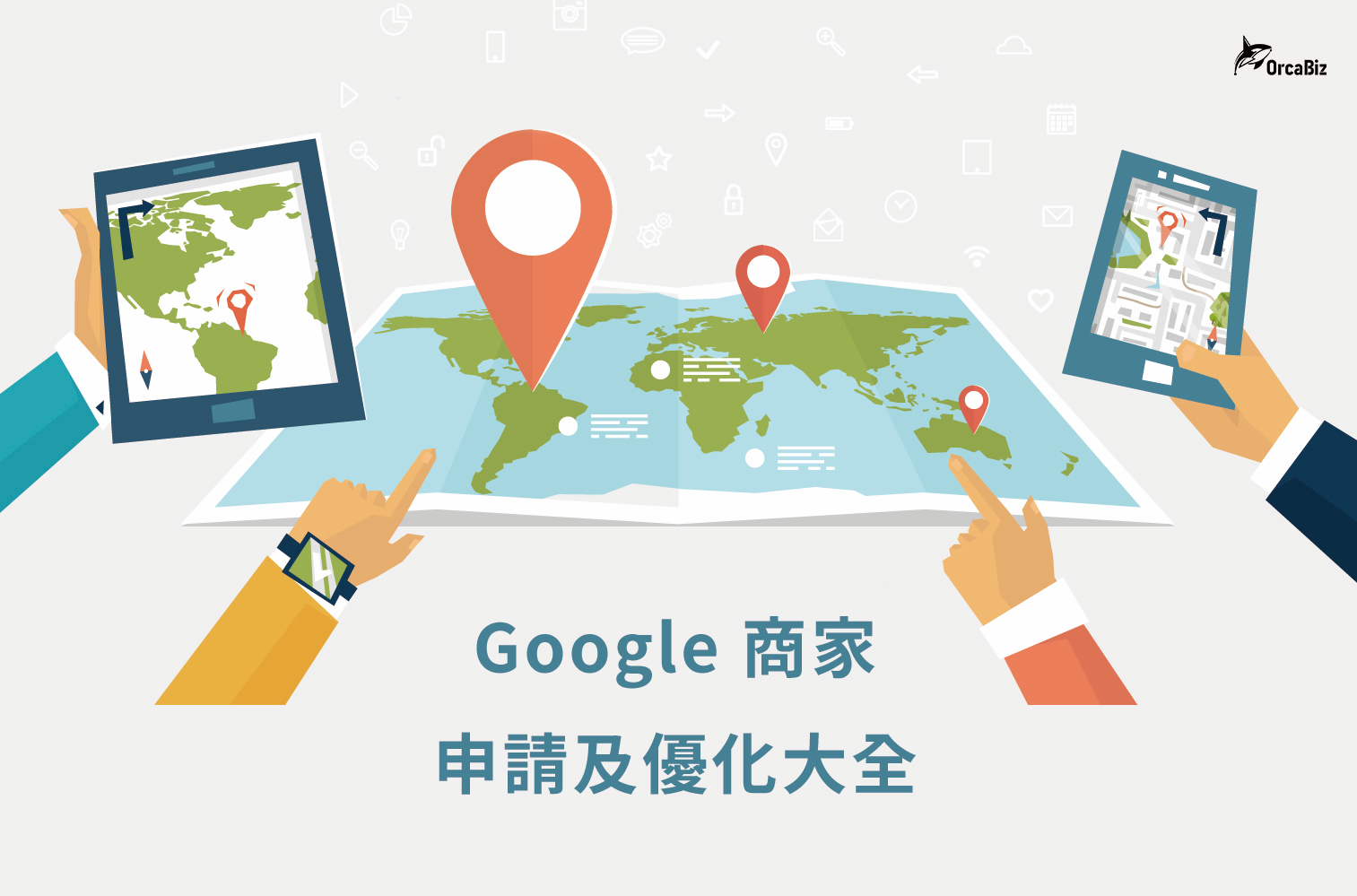
Google My Business, now called Google Business Profile, is a free business listing feature. You can upload photos, add your location, describe your services or products, and share other useful information.
By creating a profile, you increase your visibility and improve your chances of appearing in Google Search, Google Maps, and other Google surfaces.
The business should usually have a real-world location or provide services in a defined area. It is a practical tool for businesses of all sizes because it helps you manage your online information and attract customers who are already searching for what you offer.
With a Google Business Profile, you can share photos, edit business details such as name, location, and hours, and reply to reviews. Over time, that improves both visibility and engagement.
For local businesses, Google Business Profile is often more important than social profiles, directory listings, or generic ad placements.
Why is Google Business Profile important for local SEO?
There are five main reasons local businesses should care about Google Business Profile:
Improve search rankings and visibility
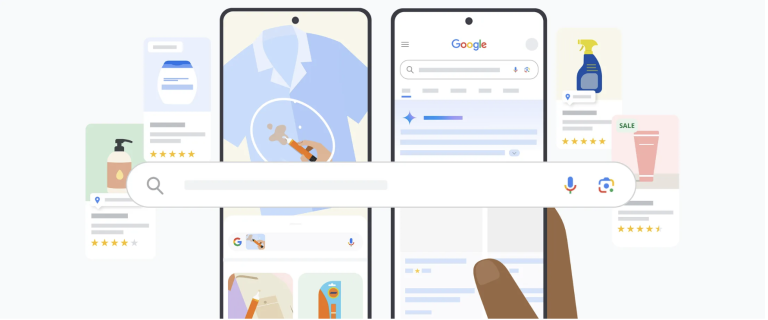
A well-optimized profile can significantly improve your visibility in local search. When people search for products or services you offer, Google may show ads first and then organic results. A strong profile increases your chance of appearing in the local pack and on Google Maps, which can bring you more exposure and more leads.
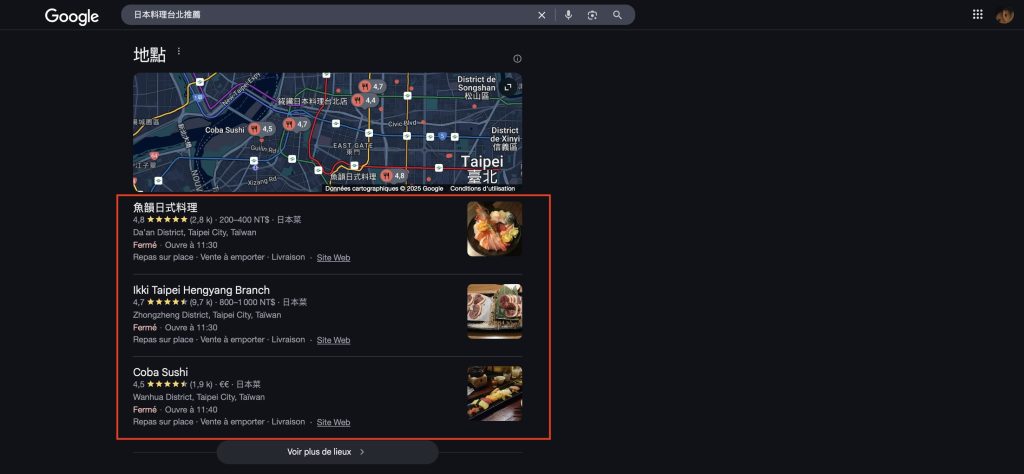
Improve support and customer engagement
With your profile, you can respond to questions and reviews faster, and deal with both positive and negative feedback more effectively. Customers are also more likely to contact a business they can reach easily, so having public contact information makes it easier for them to call or ask questions.
Increase traffic and sales
Local search leads to real purchase behavior, so having a profile can positively affect website traffic and conversions. When people search for what you offer, they are more likely to visit your site to learn more. If your landing page and CTA are strong, they are also more likely to complete a goal.
Reach a broader audience
An updated profile helps you attract a wider audience, which is difficult to do without paid ads.
Build brand authority
Positive reviews help potential customers trust your business. A 4.7-star rating, for example, signals strong service quality and makes people more likely to choose you.
How do you create a Google Business Profile?
Creating a profile may feel intimidating at first, but the process is straightforward if you follow the right steps.
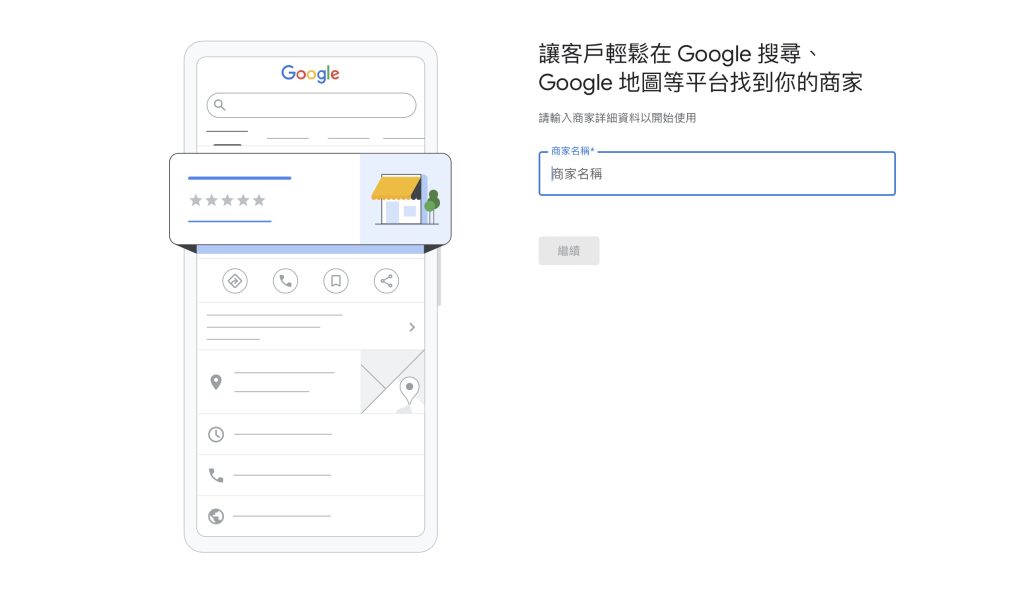
To get listed on Google, follow these steps:
Step 1: Go to Google Business Profile and create your account
Visit the Google Business Profile website and sign in or create an account. It is best to use a business email address tied to your domain.
Step 2: Confirm your business type
Before you claim a business, check whether it already exists under the same name and location. If an old listing already exists, edit it instead of creating a duplicate.
If no profile exists yet, claim the business in Google Maps or create a new listing through Google Business Profile.
Step 3: Add your business name
Enter your business name exactly as it appears on your signage to avoid confusion.
Step 4: Choose your business category
Your category helps Google match your business with relevant searches. Examples include restaurant, bar, coffee shop, or tech store. Google offers thousands of categories, so choose the most accurate one and add relevant secondary services if needed.
Step 5: Add your address or service area
If you run an online business, you can use your website information instead of a storefront address. If you have a physical store, enter the exact address. If you offer delivery or on-site service, define your service area instead. Then continue to the next step.
Step 6: Add contact details
Add your phone number and website URL so customers can reach you easily. If you do not have a website, we strongly recommend creating one because it supports local SEO and helps you build backlinks from your profile to your site.
Step 7: Verify your business
After creating the profile, verify it. Verification may happen through a code by email or by submitting video proof that you operate at the business location. Once verified, you can unlock more features such as replying to reviews and using messaging.
If you provide services without a physical storefront, you can still contact Google support and request verification by phone or email in some cases.
How does Google determine local rankings?
Local results are mainly based on relevance, distance, and prominence. Google combines these factors to decide which businesses best match the search intent.
- Relevance: How well your listing matches what the user searched for. The more complete and accurate your profile is, the better.
- Distance: How close your business is to the user. If the user does not enter a location, Google estimates based on known location signals.
- Prominence: How well-known and trusted your business is, including reviews, links, articles, and directory mentions. The number and quality of reviews can have a real impact on your local ranking.
These are the three most important local ranking factors, even though Google also considers other signals.
How do you optimize Google Business Profile for maximum performance?
Creating the profile is only the first step. To rank better in local search and appear in the local pack, you also need to keep optimizing it.
1. Write a strong business description
Create a clear description that explains what your business does and speaks to your target audience. Use keywords naturally so Google can understand your business more easily.
2. Use attributes and special services
Highlight features such as free Wi-Fi, outdoor seating, delivery, or other special services. These attributes help your profile stand out and make it more informative.
3. Upload high-quality photos and videos
Visual content plays a big role in optimization. Show your products, services, and atmosphere with clear, high-quality media so users get a better first impression.
4. Encourage and respond to reviews
Ask satisfied customers to leave positive reviews, and reply to both positive and negative feedback promptly. That shows you care about customer satisfaction.
5. Use Google Business Profile posts
Use the posting feature to share updates, promotions, or events directly on your listing. Posting regularly keeps your profile fresh and gives users the latest information about your business.
6. Use the Q&A section
The Q&A section lets users ask questions about your business. Monitor it actively and answer accurately. This helps potential customers and also supports your visibility.
Optimizing Google Business Profile is not a one-time task. You should keep reviewing analytics, search insights, popular hours, and other useful data to refine your listing over time.
This proactive approach improves visibility, engagement, and long-term competitiveness in local search.
How should you manage Google reviews?
Negative reviews are not just emotional setbacks. They affect trust, visibility, and long-term revenue. Handling feedback well is important not only to reduce direct damage, but also to show that your business is proactive and customer focused.
Main impact of negative reviews
- Erosion of trust: Potential customers rely on reviews when making decisions.
- Lower visibility: Google favors businesses with strong engagement and positive feedback.
- Lost revenue over time: Unresolved negative reviews can reduce sales and foot traffic.
Negative reviews are also an opportunity. With the right response strategy, you can rebuild trust and protect your online reputation.
How to respond to negative reviews
1. Respond calmly and positively: Acknowledge the customer’s concern. Even if you do not fully agree, showing that you are listening helps lower tension and keeps the conversation constructive.
2. Contact the customer directly: A professional response shows that you are attentive and responsible. Offer a direct phone number or email so the issue can be resolved privately.
3. Report inappropriate reviews to Google: If a review is abusive, malicious, or clearly against policy, try resolving it first. If that does not work, report it through Google’s tools. Reviews that violate policy may be removed and cannot be restored.
Sometimes Google Maps review counts also fluctuate because of platform-side issues or policy enforcement. Some reviews may disappear temporarily during system problems, while policy-violating reviews may be permanently removed.
Google Business Profile can unlock huge online opportunities
Google Business Profile is a core part of your online presence. It gives customers a gateway to discover and engage with your business.
A well-managed profile acts like a virtual storefront. It builds trust, credibility, and a better user experience by combining accurate information, strong visuals, and active review management.
From refining your business description to using all the available profile features, you can get far more value out of the platform when you treat it as an ongoing SEO asset rather than a one-time setup.
🔎 References:
Frequently Asked Questions
What is Google Business Profile?
Google Business Profile is a free business listing feature that lets companies upload photos, locations, services, products, and hours, and appear in Google Search and Google Maps. It improves local visibility and customer engagement.
Why is Google Business Profile important for local SEO?
It helps businesses appear in the local pack, improve visibility, strengthen engagement, and build trust through reviews and profile activity. Local search can also drive real purchase behavior.
How do you create a Google Business Profile?
Go to Google Business Profile, check whether a listing already exists, add your business name and category, set your address or service area, add contact details, and complete verification.
How does Google determine local rankings?
Local rankings are based mainly on relevance, distance, and prominence. Google also considers signals like reviews, links, and directory mentions.
How can you optimize Google Business Profile?
Write a clear business description, use attributes and special services, upload high-quality media, encourage and respond to reviews, publish posts, and monitor Q&A and insights regularly.
What should you do about negative reviews?
Respond calmly, contact the customer directly if needed, and report reviews that violate policy to Google. Handling reviews well helps protect trust and visibility.