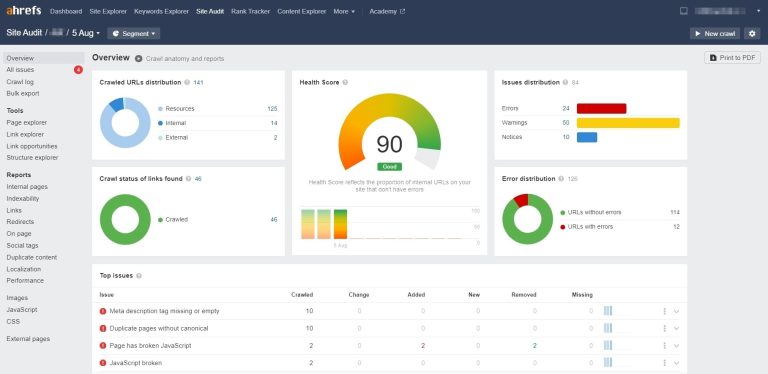
Google Analytics is a powerful website data collection and analysis tool, and it has now evolved into GA4.
With GA, we can directly understand website traffic sources, conversion data, and other metrics. This information helps us understand users, make better business decisions, and guide UX optimization.
What Is Google Analytics?
Google Analytics is a website analytics tool that lets you monitor site performance in real time, including traffic and visitor behavior.
Because it is an official Google product, it is much more powerful than many other tools that only list basic numbers. Google Analytics not only shows total traffic, but also breaks down where that traffic comes from and how visitors move through your site, so you can understand performance in more detail.
Since launching in 2005, Google Analytics has always been free to use. You only need to create an account. Because it is both useful and free, Google Analytics has captured more than 70% of the traffic analytics market.
Why Use Google Analytics?
Running a website is a lot like running a company. To manage a company well, you need to understand people and money flow. Likewise, to manage a website well, you need to understand traffic.
Maybe you already built a decent website. But if you do not know who your visitors are, where they come from, which pages they visit, how long they stay, and why they leave, you may end up spending a lot of time and effort while targeting the wrong audience.
You also need to know which pages or articles are most popular. Creating more content like that can help bring in more visitors and improve conversions. This is where Google Analytics helps. It gives you a clear picture of your traffic so you can improve performance and grow conversions.
What Kind of Data Can You Get from Google Analytics?
- How many people visited your site, and how many kept browsing after landing on a page?
- Who are your visitors, and what can you learn from their behavior?
- Does your site provide a good experience on both mobile and desktop?
- Which pages perform best, and which ones need improvement?
- How did visitors find your site, such as through search engines, other websites, or ads?
- Did anyone land on your marketing pages?
- How exactly do visitors move through the site from one page to another?
Why Use Google Analytics to Analyze Your Website?
You build a website to introduce your products or services to potential customers and turn them into loyal customers. To do that effectively, you need to know where visitors come from, what interests them most, and what helps convert them. Using GA to track and analyze your data helps you build a digital marketing strategy that brings in more visitors and more revenue.
Five Main Features of Google Analytics
1. Website Traffic Report
GA can provide detailed traffic reports, including the number of visitors, page views, and how long people stay on the site. These insights help you understand overall performance. If a report shows that visitors leave quickly, you can try changing the copy or design to increase time on page.
2. User Source Analysis
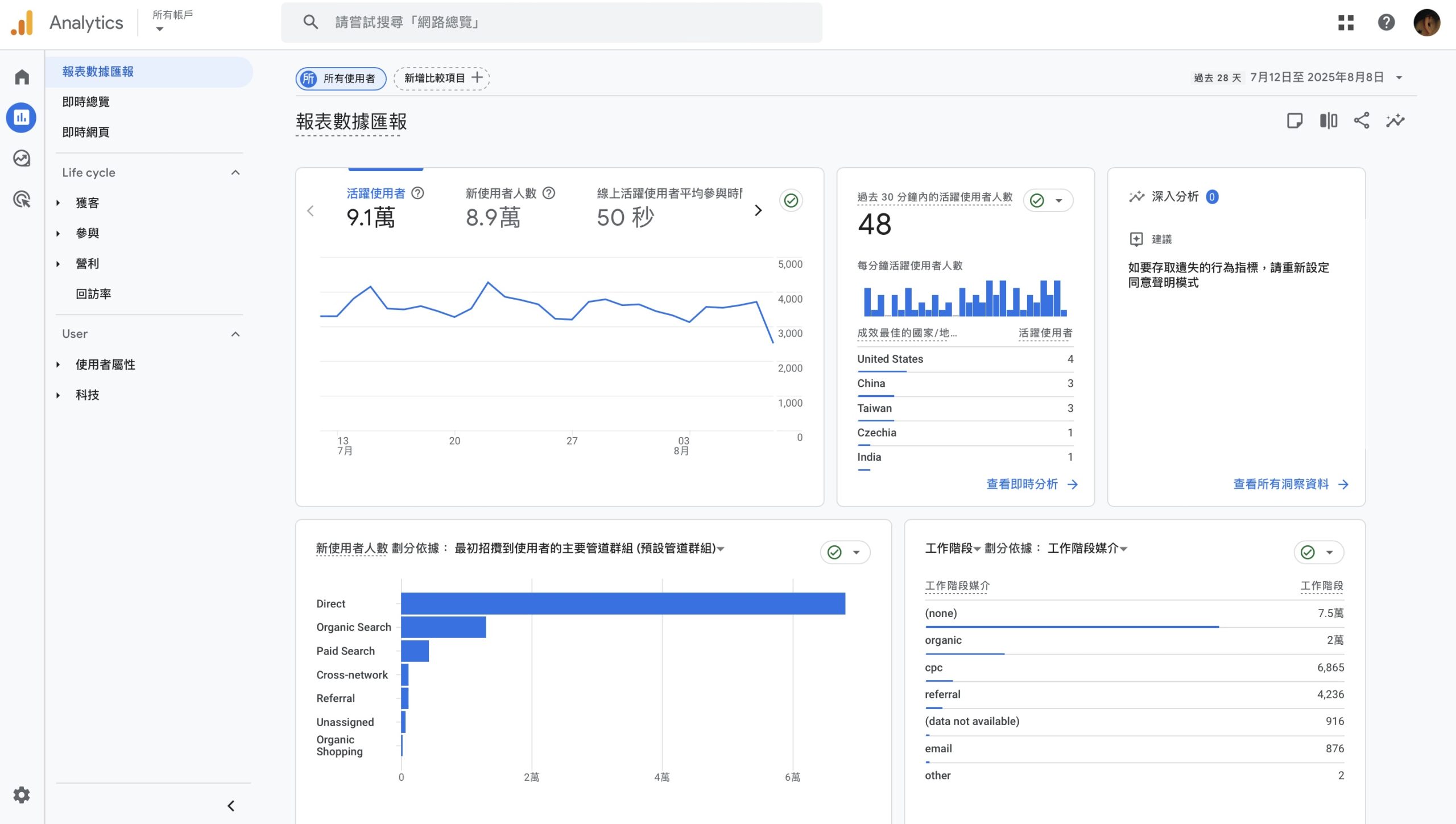
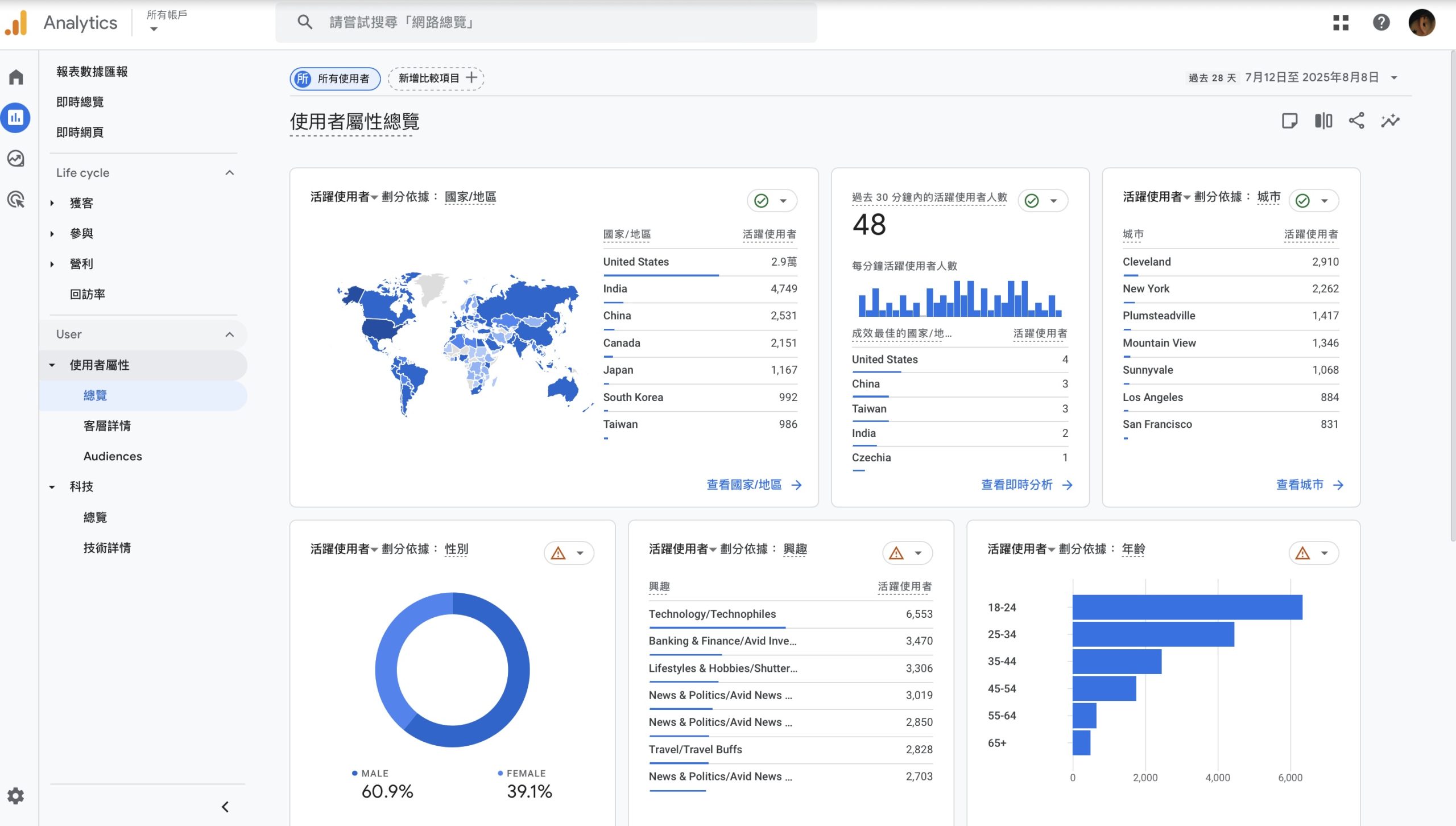
One of GA’s most powerful features is its ability to use Google’s database to track where visitors come from, including search engines, social media, direct visits, and ad clicks. This helps you evaluate the contribution of each channel. It can also identify the country or region and the device type users use, such as desktop, tablet, or phone.
3. User Behavior Analysis
GA can also track what users do on your site. You do not need expensive software to collect the data. GA can capture the pages visitors view, how long they stay, and how they interact and convert. That helps you understand user interests and behavior patterns so you can create better content and improve the interface.
4. Conversion Tracking
By setting goals and ecommerce tracking in GA and installing the right plugin on your site, you can see whether users complete the actions you want them to take, such as submitting a form, adding to cart, or finishing a purchase. This is essential data for measuring conversion rates and business goals.
5. Real-Time Data
GA also provides real-time data so you can instantly see what is happening on your site, including the location and behavior of current active users. This is especially useful for live-stream campaigns or online stores, where you may need to adjust page content or messaging in real time.
Steps to Create a Google Analytics Account
- Register a Google account if you do not already have one.
- Go to the Google Analytics official website and sign in with your Google account to create a new Analytics account.
- Add your website to the account and get the tracking code.
- Install the tracking code by inserting it into your website’s HTML.
Use the Right Tool Before You Start
Google Analytics helps site owners clearly understand how users interact with websites and apps. By using its exploration reports, you can create more flexible reports that fit your business needs, make better marketing decisions, and support real business growth. Before you start analyzing, make sure Google Analytics is installed correctly so you can collect accurate data and make the right decisions.
If you want to learn more about GA analysis, feel free to contact OrcaBiz.