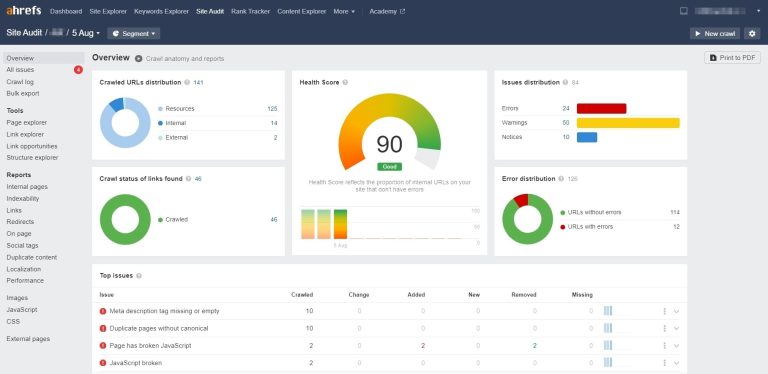

Good SEO is not only about creating high-quality content. Improving the browsing experience is just as important. So where should you start when improving user experience, and how can you understand user browsing habits?
A great place to begin is Google Analytics 4 (GA4). GA4 is a practical tool for analyzing website traffic and understanding user behavior. With GA4, you can clearly see the device types, screen sizes, and resolutions users commonly use, which makes website optimization much easier.
This article will show you how to read the GA4 device report. Open your GA4 account and follow along.
What is Google Analytics? GA4 beginner guide for accurate website data analysis!
Why Is User Browsing Experience Important?
UX means User Experience. Compared with UI, UX focuses more on how people actually use a site and what they prefer. The goal is to give users the smoothest and most convenient experience possible, which helps reduce customer drop-off.
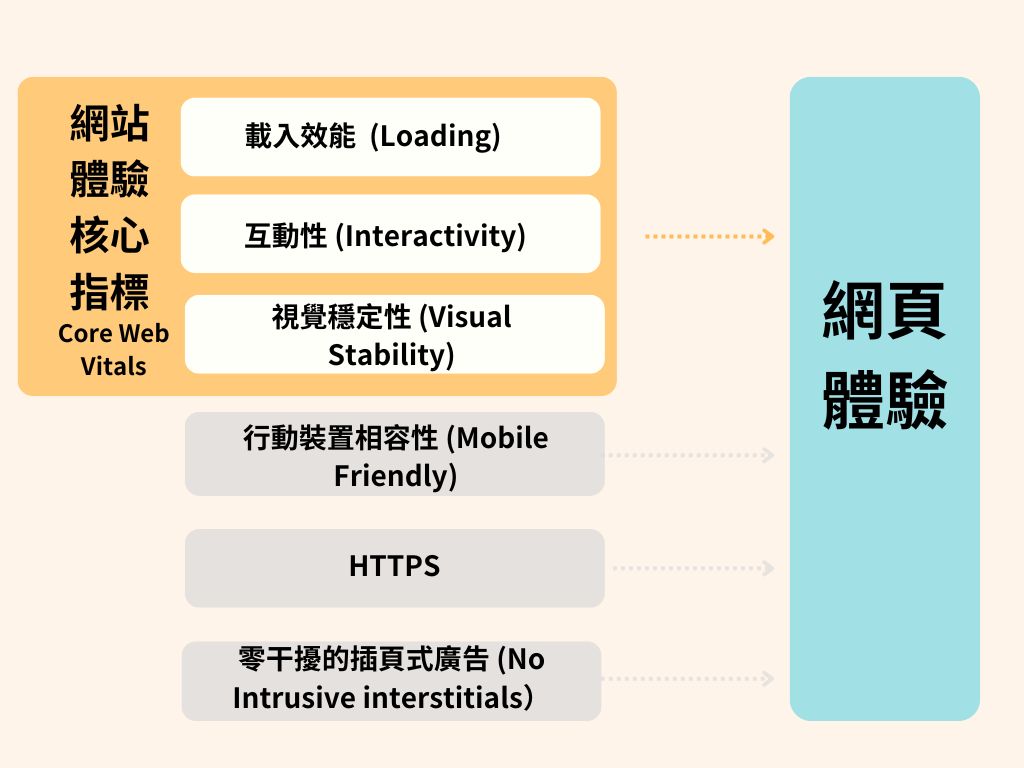
Back in 2021, Google added the Page Experience Update into its ranking system, and it has continued improving the Page Experience report and Core Web Vitals in Google Search Console. All of this shows that browsing experience is becoming more important for SEO.
Q: Can Google Analytics track user devices?
Yes. With Google Analytics 4, you can see whether users enter your site on a phone, tablet, or desktop, and which browsers they commonly use, such as Chrome or Safari. This helps you prioritize the browsing experience on the devices people use most often.
From there, you can make better site adjustments. If you are not fully familiar with the topic, follow this guide and actually work through the GA4 report step by step.
How to View the GA4 Device Report
On the technical details report page, you can see detailed data for each dimension. You can also use the Add dimension feature (the + icon) to compare data side by side. For example, which browser is used most by users from a specific country or age group?
1. Log in to your GA4 account (this article uses GA4 Demo Account data as the example)
2. Choose Reports from the left sidebar
3. Go to the Users report, then open the Tech report inside it (you can view the overview report or the technical details report)
4. Review the Overview report
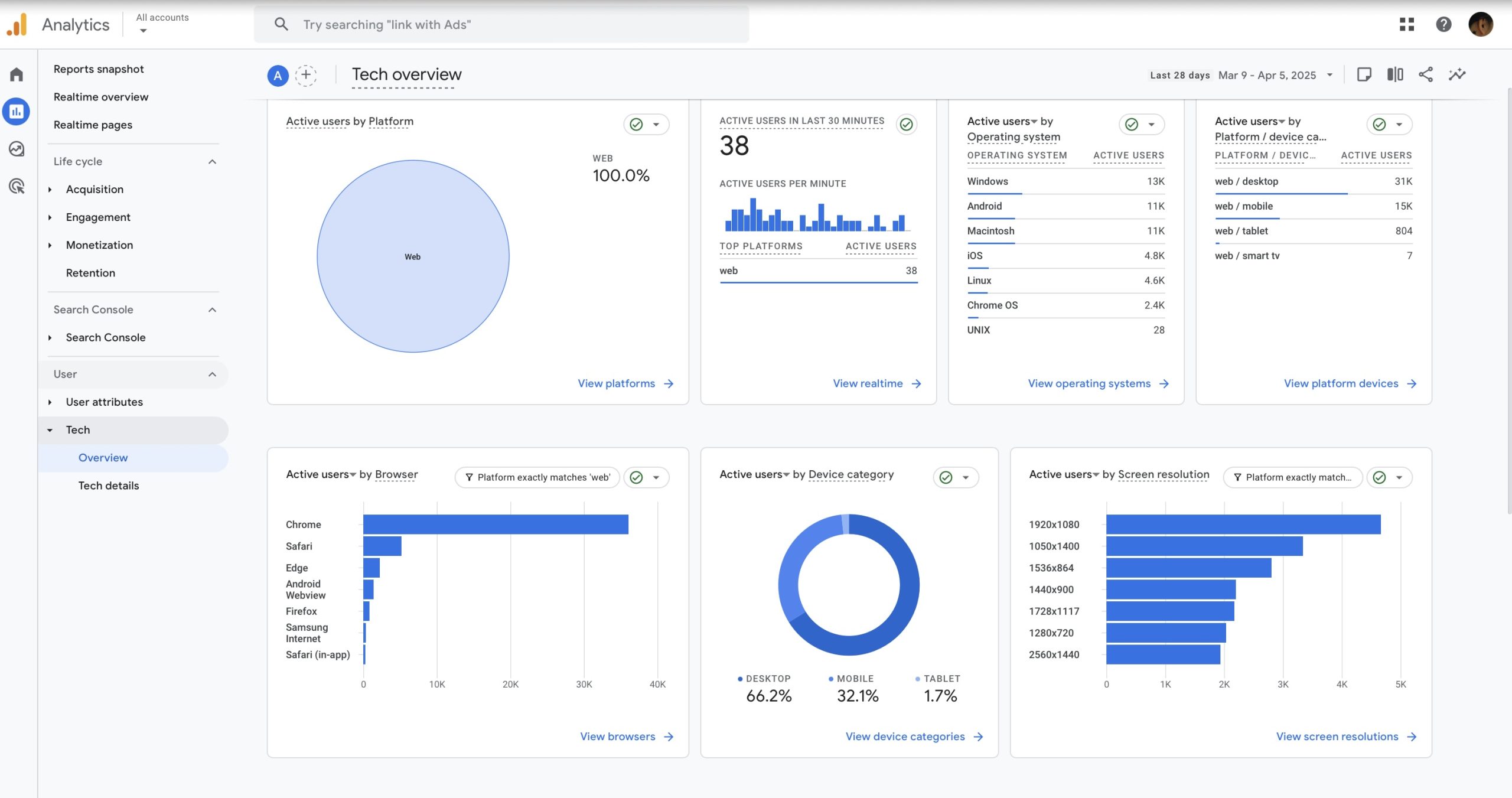
The Tech report lets you clearly understand the platforms, device types, browsers, operating systems, and app version distribution your users rely on most.
5. Technical details report
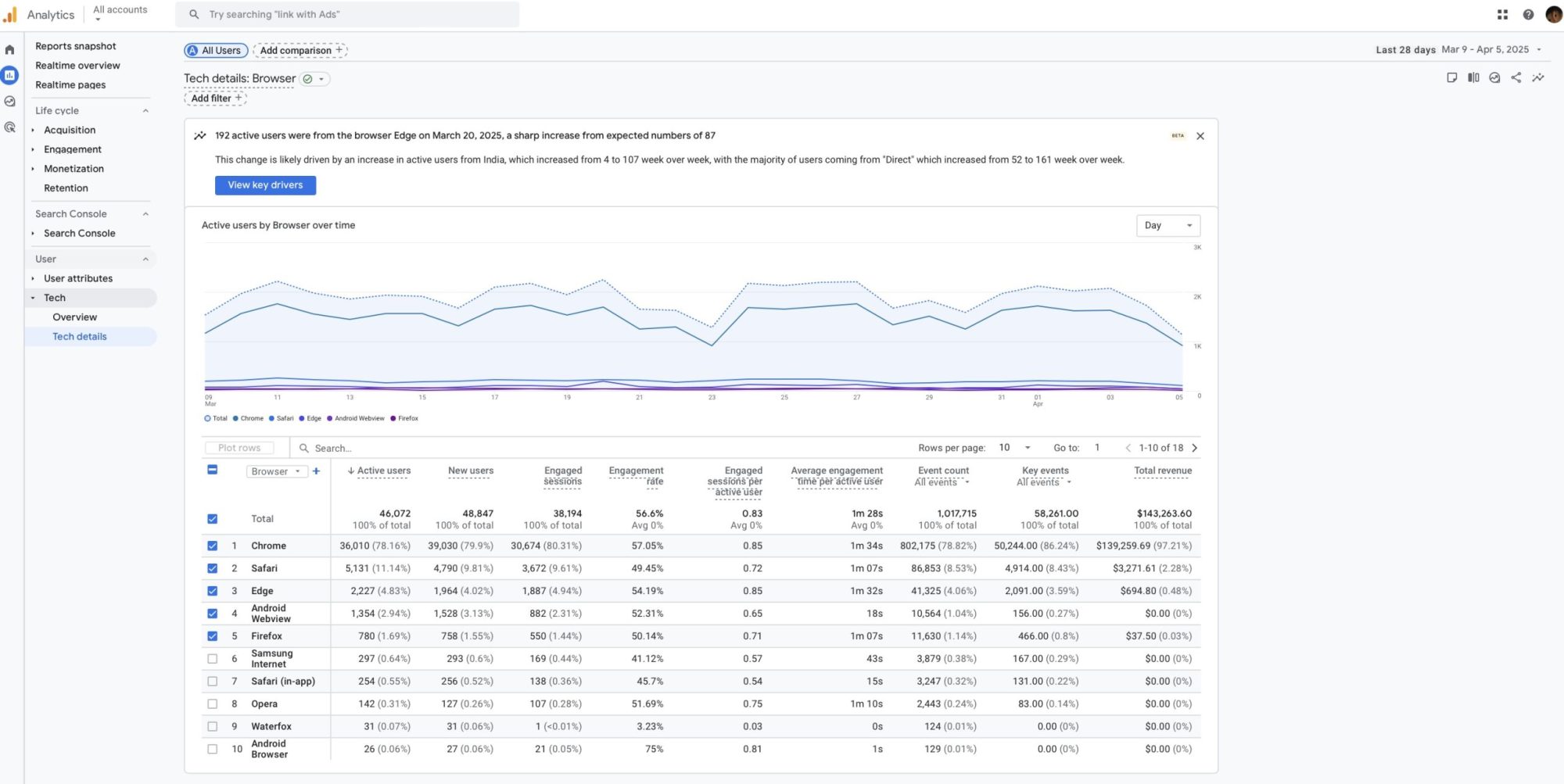
On the technical details report page, you can see detailed numbers for each dimension. You can also use the add dimension feature to cross-compare data. For example, which browser do your active users use the most?
Why Learn More About Device Details?
For businesses that want to improve their online presence, GA4’s ability to track devices is powerful. Device details help you understand how users interact with your site across different devices, which can guide decisions that improve user experience, strengthen marketing strategy, and ultimately increase conversions. Implementing device tracking in GA4 is an important step toward truly understanding your audience.
Instead of trying to tweak every device layout blindly, focus first on the device models and screen resolutions your audience uses most. That makes it easier to refine layout and user flow.
Stay Current: Mobile Optimization
GA4 provides a powerful set of tools for tracking devices and understanding user behavior across platforms. With features like User ID, device category, model, operating system, and browser tracking, businesses can gain deeper insight into how users interact with the site.
You can also use metrics like Engagement rate and Conversions to see which devices perform better. That can reveal where your mobile optimization should focus.
If you have questions while using or setting up GA4, or if you are not sure how to read the reports, feel free to message OrcaBiz SEO for help.
See more: GA4 Google Analytics tutorial roundup