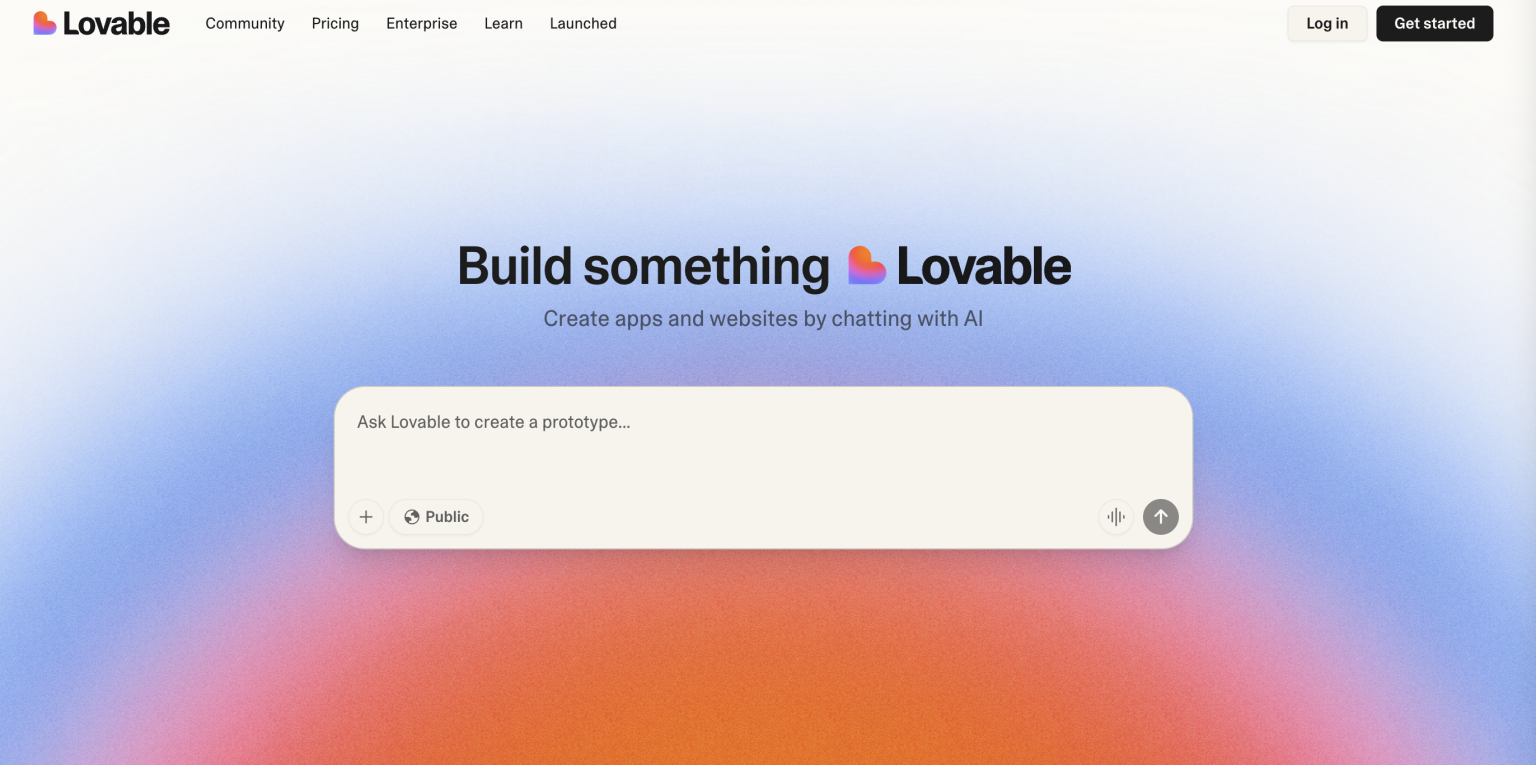
AI tools have advanced quickly in recent years. From image generation to writing assistants, there are now plenty of options. For anyone who wants to build a website or app, Lovable AI stands out as a very attractive choice. It claims to help users create a first draft in a short time and can even generate usable front-end code, and the most eye-catching part is that it is completely free.
In this article, I will walk you through the full Lovable AI workflow, including registration, project setup, editing, and export. I will also share my hands-on experience, summarize the pros and cons, and explain common use cases so you can decide whether it is worth your time.
What Is Lovable AI?
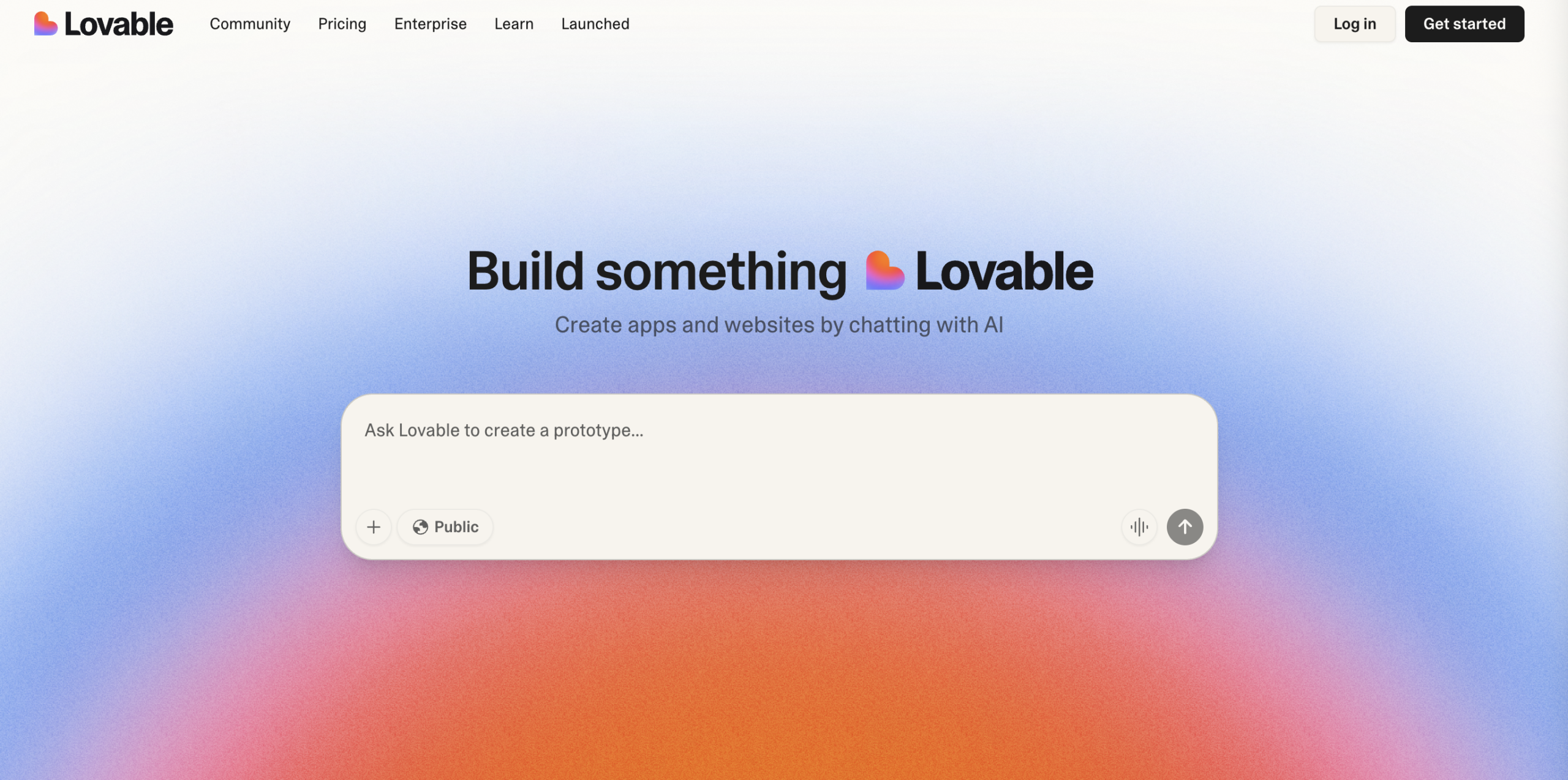
Lovable AI is a free AI web and app development tool that makes it almost effortless to start building a website. Its core idea is simple: enter a short description of what you want, and the tool automatically generates editable front-end design and code.
For beginners with no coding background, it feels like an AI assistant for websites and apps that can produce a first draft quickly. For experienced engineers or designers, it saves time on the initial structure so they can focus on the details later.
It currently offers both web and app versions for iOS and Android. The interface is very intuitive, so you can start a project right away. Its biggest selling point is that it is truly free, unlike many low-code or no-code platforms that limit exports or core features.
In the past, validating a startup idea or a landing page often meant hiring a developer or spending days writing code. Lovable AI can give you a workable result in minutes, which makes it extremely useful for pitching and product demos.
You may also want to read: Free website builder recommendations: seven easy-to-use web design tools
Lovable AI tutorial and workflow
Getting started with Lovable AI is very straightforward. The workflow is roughly: sign up and log in → create a project → adjust and edit → export the result. Here is the process in plain language.
Step 1. Sign up and log in
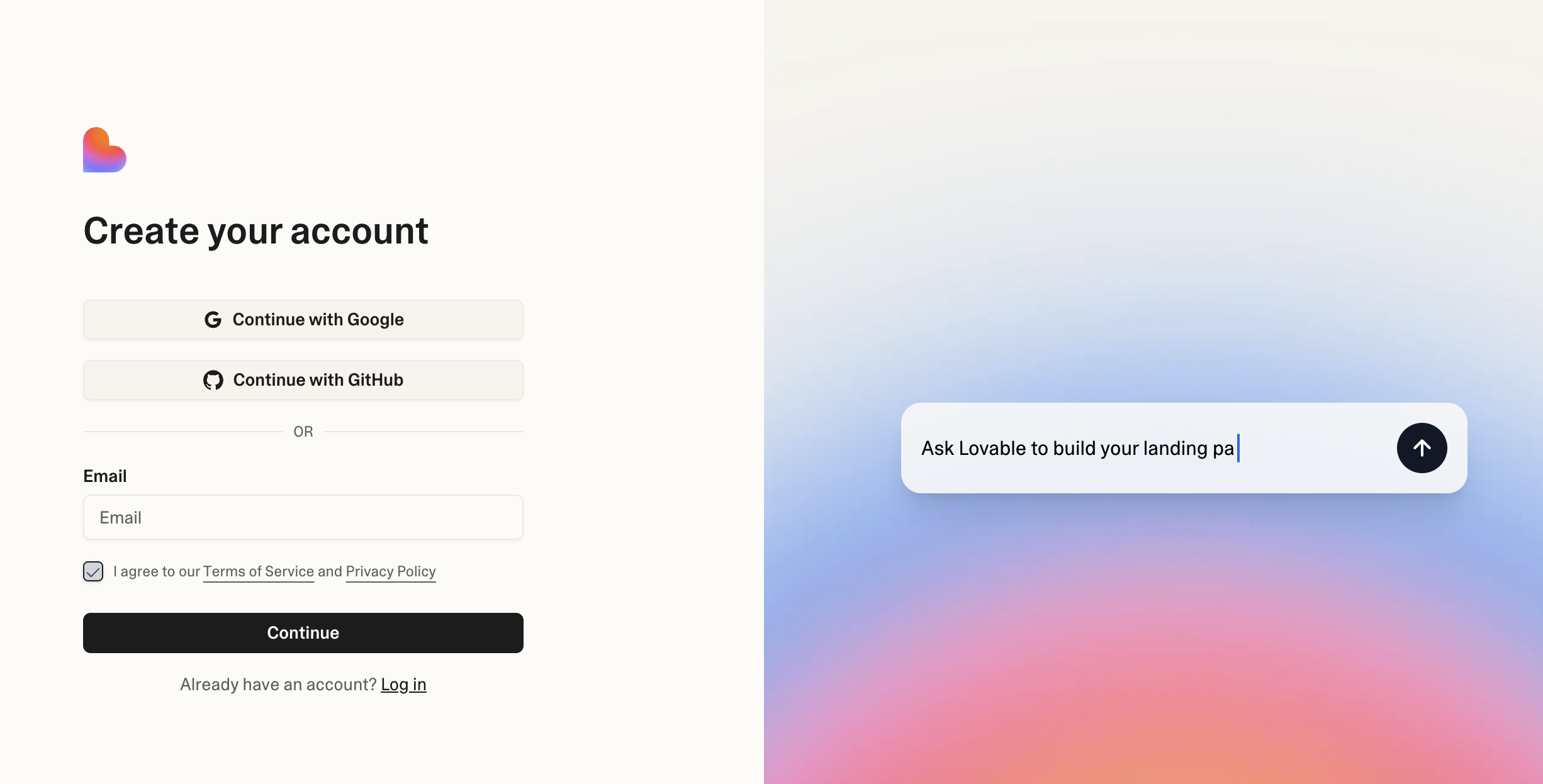
Go to the official Lovable AI website and click Sign in. You can log in with a Google account or a GitHub account, and there is no long form to fill out.
Step 2. Create a new project
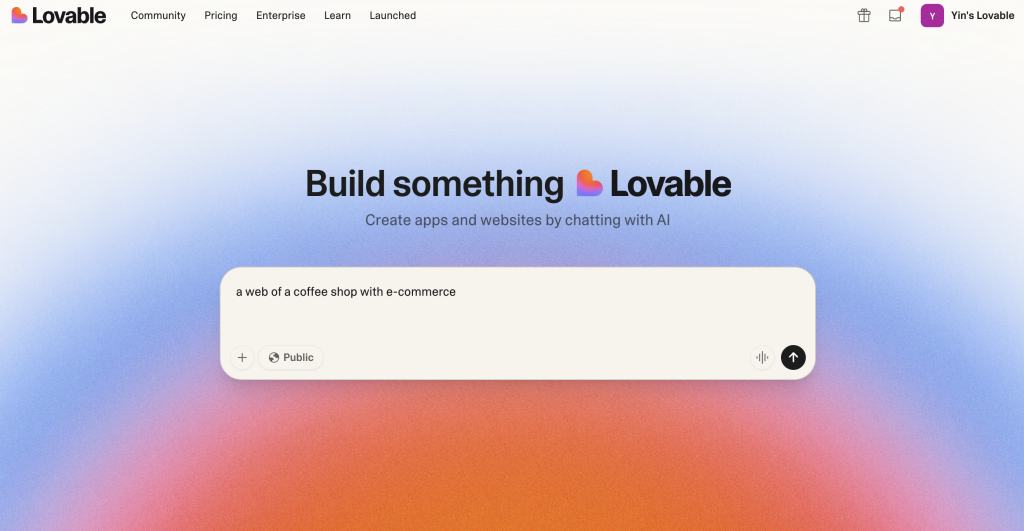
After logging in, click Create new project and describe the website or app you want, such as “a coffee shop brand website” or “a task management tool.” Lovable AI will generate a first draft of the design and code based on your prompt.
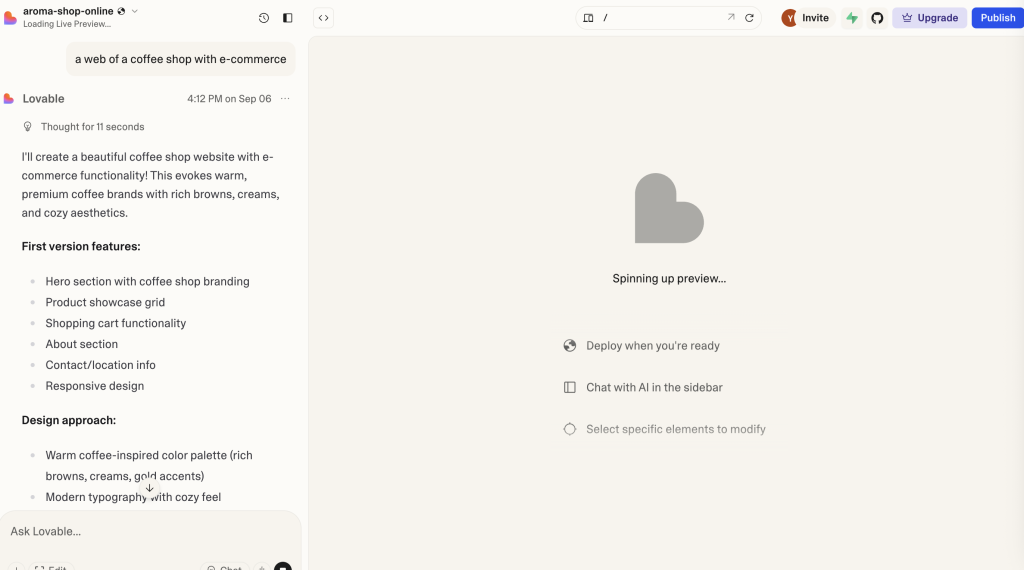
Editing tip: input language
Lovable AI’s core model is trained mainly in English, so if you describe the project in English, the structure and layout are usually more accurate. For example, “Create a minimalist portfolio website with a contact form and image gallery” usually produces a stronger result.
Chinese prompts can work too, but the output is less consistent. Some labels, such as button text or form names, may still appear in English. If you want tighter control, English is usually the safer choice.
A good approach is to use English for structure, layout, and functional requirements, then manually adjust the visible text into Chinese afterward. That gives you a better framework while still matching Chinese readers’ expectations.
Step 3. Preview and edit
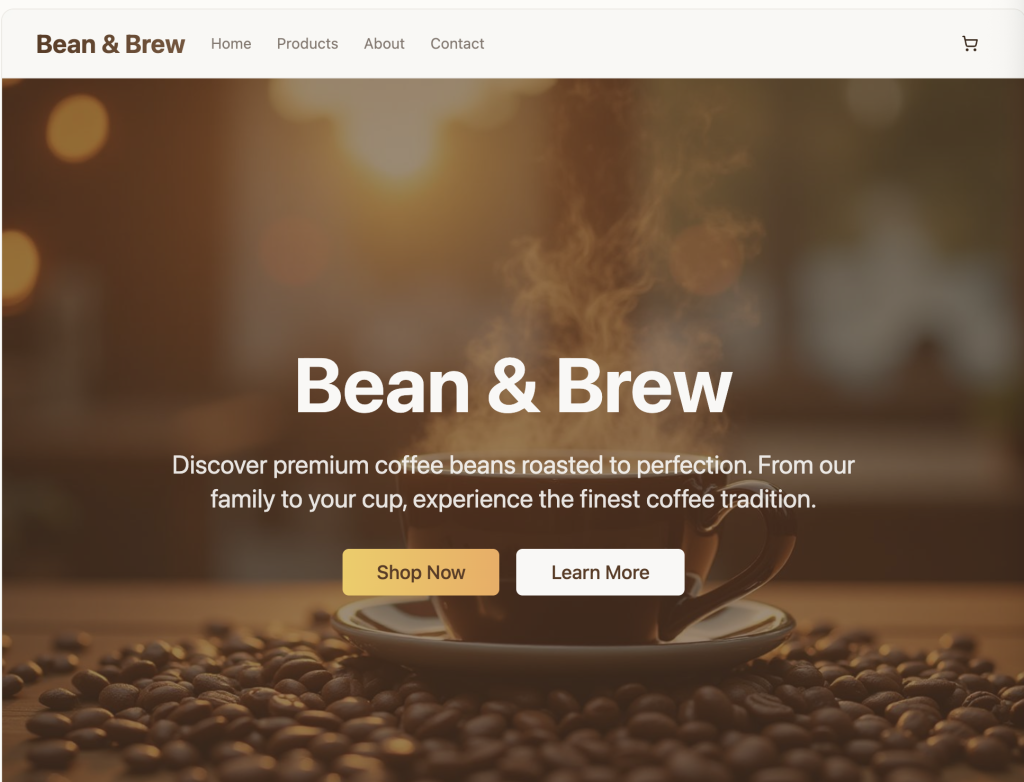
After generation, Lovable AI shows an editable preview of the web page. You can drag components around, edit text, replace images or buttons, and see the design update in real time.
Editor’s note The editor is not as advanced as professional design software, but it is already enough for quick title and image changes.
Step 4. Export code and results
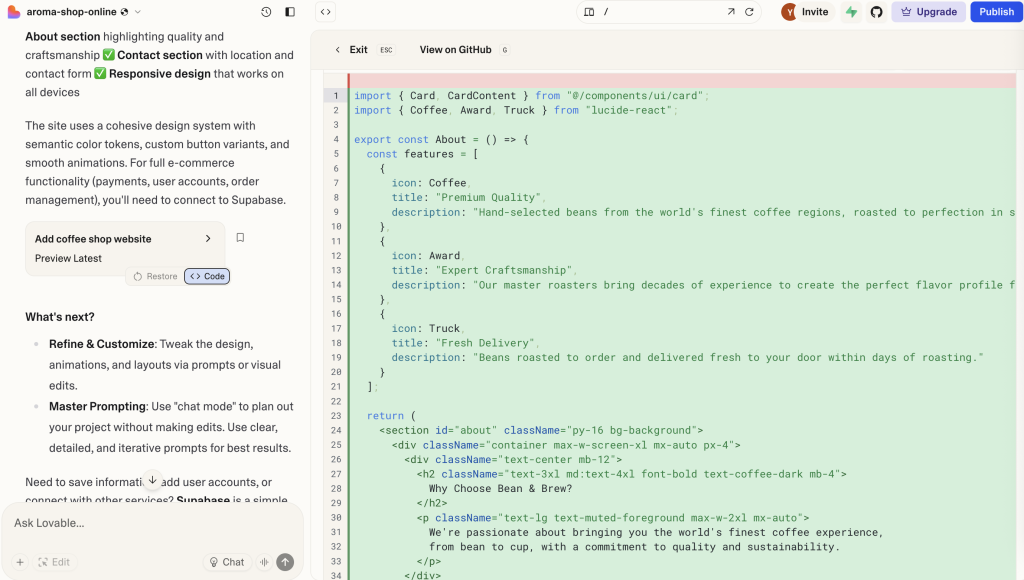
After editing, you can click Export Code to download the front-end code and deploy it locally or on your own server.
Editor’s note This is especially useful for developers because Lovable is not just drawing a UI. It gives you usable code and can save a lot of development time.
Overall, the flow from login to result usually takes only 3 to 5 minutes. For anyone who wants to validate an idea quickly, it is a very efficient tool. Here is a quick summary of the pros and cons:
| Pros ✅ | Cons ⚠️ |
|---|---|
| – Free to use and easy to start – Fast login, almost no setup – Generate websites with natural language – Provides code that developers can actually use |
– Limited editing flexibility – Code quality may need optimization later – Vague prompts can lead to unstable results |
If you are a beginner, Lovable AI is great for practice or quick demo work. If you are a developer, it can save you time on the base structure. For commercial or highly polished work, you will still want designers and engineers to refine the result.
You may also want to read: Recommended quality web design fonts: free Chinese Google Fonts selection guide
Community examples and remixing
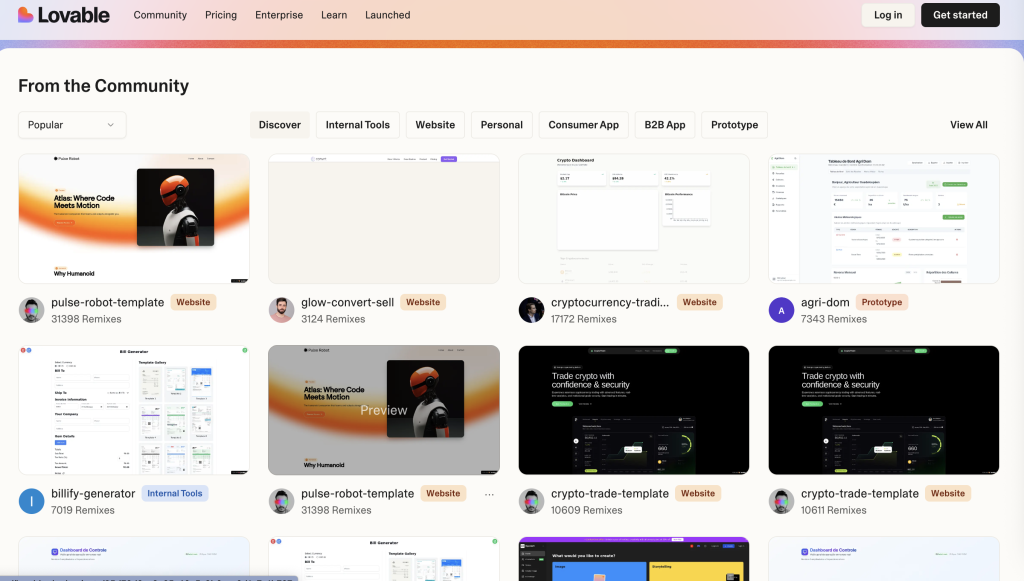
Lovable AI also offers a Community library where you can browse existing websites or app examples and fork them. That means you do not need to start from scratch every time. You can use other people’s structures as templates and adapt them to your own needs.
This is especially helpful for beginners, because they can learn from real examples instead of relying only on AI-generated structures. For advanced users, it is a fast way to get inspiration and save design time.
Real-world use cases
Lovable AI is closer to a prototype tool than a traditional web builder. Here are the most common scenarios where it helps:
- Landing pages
If you need to launch a product or campaign quickly, Lovable AI can generate a one-page site in minutes. Example: “Design a minimalist landing page with a headline, product introduction, and CTA button.” That is enough to create a demo you can show immediately. - Personal portfolio websites
Designers, photographers, and freelancers can quickly build a personal site. Example: “A black-and-white minimalist portfolio website with a gallery and contact form.” It may still need refinement, but it is already a usable demo version. - App demos or MVP validation
Lovable AI can also generate app interfaces, such as task managers or fitness apps. That makes it useful for startups that want to show a minimum viable product to investors or teammates before investing more time and money.
Lovable also provides an official demo video that shows the full process from prompt to result.
If you are not sure where to begin with Lovable AI, the official video is a good place to start. It makes the workflow easier to understand before you try it yourself.
Who should use it?
- Students and beginners: practice design and understand website structure.
- Freelancers: quickly build a personal brand site or portfolio.
- Startup teams: validate ideas and show them to investors or clients.
- Developers: generate base code quickly, then optimize it further.
Lovable AI is not meant to replace professional development. Its job is to help ideas become visible faster. It works best as a first step. If you want to commercialize or polish the result, you will still want designers and engineers to refine it.
Experience note In practice, some client teams use Lovable to quickly generate the visual direction for a site and then hand it to our team to integrate into a WordPress structure.
You may also want to read: The most complete Napkin AI guide: create Chinese visual charts and diagrams in one click
Conclusion: let Lovable help you generate web design faster
Lovable AI is a very promising free tool. For beginners, it makes website building feel almost frictionless. For freelancers and designers, it helps create portfolios and demo pages quickly. For startup teams, it can save a lot of early-stage development cost.
Although it still has room to improve in editing flexibility and code quality, it clearly makes the journey from idea to prototype much faster.
If you want to test ideas or validate a product quickly, Lovable AI is worth trying. If you need more advanced design or development support, feel free to contact the OrcaBiz SEO team for practical help.