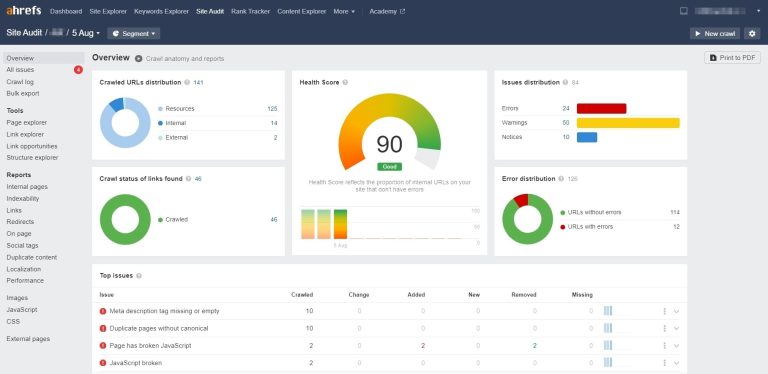
In today’s fast-moving digital world, instant gratification is the norm. Page speed has become incredibly important, especially as mobile usage continues to grow. Whether visitors are browsing on desktop or on their phones, page speed optimization is one of the key factors that improves user experience and SEO performance.

Photo source: Upsplash
Why Page Speed Optimization Matters for SEO
Before talking about optimization, we need to ask what page speed actually means.
In simple terms, it is the time required to load a page on your website.
Page speed optimization mainly means improving that loading time. It has become a core part of how Google evaluates pages. Search engines prefer fast-loading sites, while slow loading times lead to higher bounce rates, lower engagement, and weaker rankings.
Google clearly stated in its 2018 Speed Update article that page speed is a ranking factor for mobile search.
User experience is one of the main reasons search engines care so much about speed. That is why it is part of the ranking algorithm.
Online, if a page takes more than 3 seconds to load, most visitors will likely give up and choose a faster site instead.
So improving page speed is essential for better user experience, more traffic, and stronger SEO performance.
Let’s look at practical ways to make pages load faster.
1. Compress and Optimize Images
Images can make a site more attractive, but they are also one of the biggest bottlenecks for page loading speed. Oversized image files make pages load slowly and frustrate visitors. To improve speed, compress and optimize images while still maintaining acceptable quality.
2. Enable Caching
By configuring caching, frequently visited content can be stored in the user’s browser. This reduces the need to download the same resources from the server on every visit and helps optimize performance.
3. Optimize Code
Redundant code and broken links slow down page loading. Cleaning up unnecessary code and removing invalid links can significantly improve load speed.
4. Use CDN Acceleration
A CDN (Content Delivery Network) distributes website content across servers around the world so users can retrieve it from a server that is geographically closer to them.
5. Configure Your Server Properly
Page Load Speed and User Satisfaction Go Hand in Hand
Choosing the right server configuration can improve page speed. Picking the right bandwidth, processor, and memory based on your site’s needs can help you serve users more effectively.
6. Use HTTP/2
HTTP/2 is a newer internet protocol that can significantly improve loading speed. It allows websites to handle multiple requests at the same time, reducing latency and improving performance.
7. Plan Page Size Reasonably
When building pages, plan their size according to the importance of the content and how often it will be accessed. Avoid making pages unnecessarily large, since that can hurt loading speed.
8. Avoid Too Many Plugins and Pop-ups
Too many plugins and pop-ups can harm both page speed and user experience. Removing plugins you do not use frees up resources and keeps the page cleaner and easier to browse.
Key Tools for Measuring Site Performance
Page speed should not be judged by feel alone. You can evaluate it with the following tools.
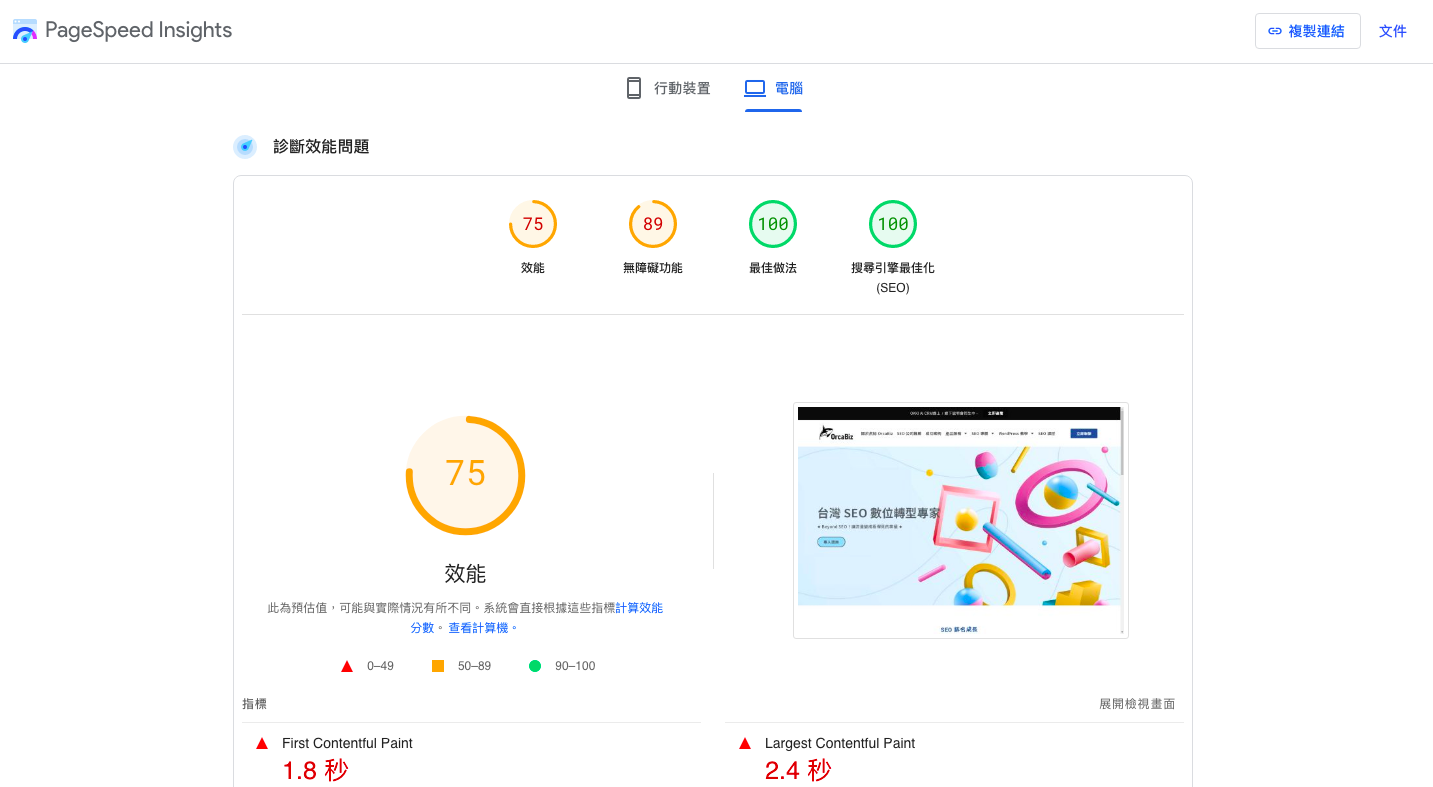
1. Google PageSpeed Insights
Enter your website URL and Google PageSpeed Insights will provide detailed speed reports for both mobile and desktop. It shows which elements slow the page down and gives practical optimization suggestions.
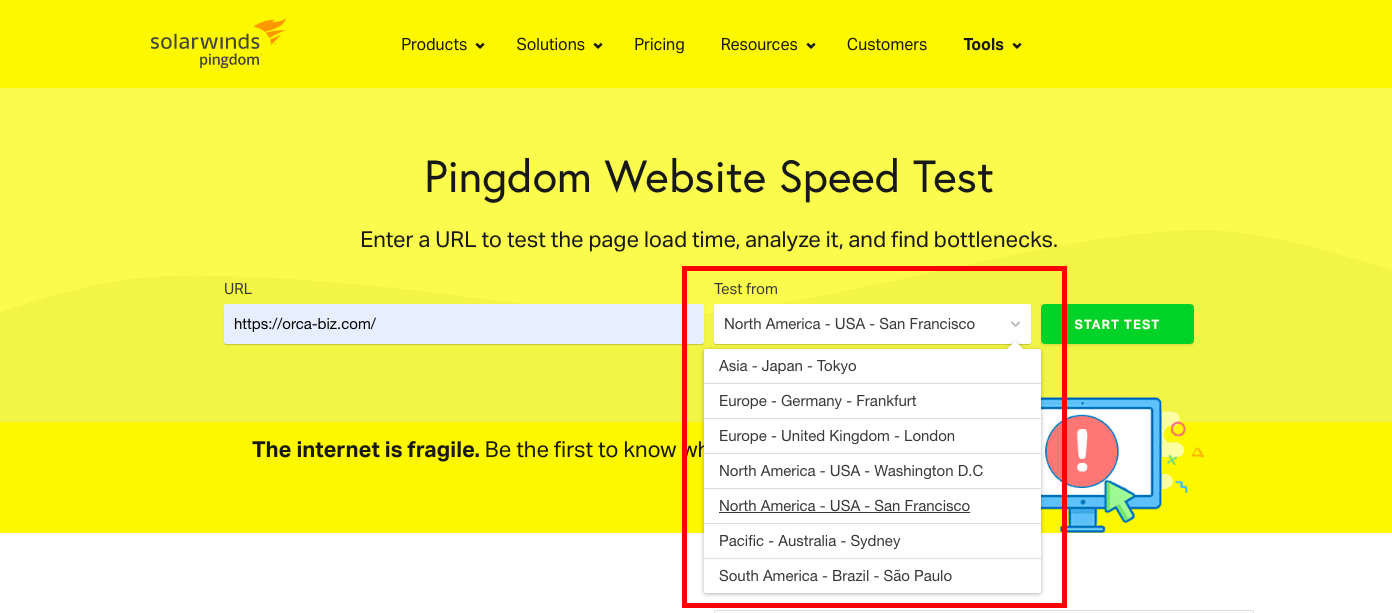
2. Pingdom Website Speed Test
This is a website speed testing and monitoring tool. It provides detailed reports on page loading speed, response time, and other performance metrics. Unlike Google PageSpeed Insights, it can generate reports for different countries, which is useful for international websites.
3. GTmetrix
GTmetrix is a powerful website performance analysis tool. Just enter your page URL and it will evaluate performance, identify what is slowing the page down, and tell you how to improve it.
Fast Loading Does Not Automatically Mean Higher Rankings
Page speed is only one of many ranking factors. When people talk about the relationship between website speed and SEO, it is easy to assume that faster always means higher rankings. In reality, that is only a partial view. While page speed does affect SEO, it is not the only factor. Google’s ranking algorithm is complex and includes many elements such as content quality, backlink quantity and quality, site structure, and user experience.
Even if your site loads very quickly, poor content, weak alignment with user intent, or a confusing navigation flow can still prevent strong rankings.
So you do not need to chase extreme speed at all costs. As long as both the real-world feel and the score are above average, you can focus on creating better content afterward.
How should SEO be done? Start by understanding how Google Search works.
Conclusion
Page speed is only one part of SEO, but in a mobile-first web environment, users expect faster websites and tolerate slow ones less and less. Whether visitors come from desktop or mobile, improving load speed is urgent and worthwhile.
Here is a translated FAQ schema block for the article:
Frequently Asked Questions
Why does page speed matter for SEO?
Page speed is one of Google’s important ranking factors. Slow loading times increase bounce rates and reduce engagement, which can lower search rankings. Google’s 2018 Speed Update formally included site speed in mobile search ranking signals.
How long is too slow for users?
If a website takes more than 3 seconds to load, most users are likely to leave and choose a faster site. Keeping load time under 3 seconds is important for both user experience and traffic.
How can I speed up a web page?
Common optimization methods include compressing and optimizing images, enabling caching, cleaning up code, using a CDN, and improving server resources.